The prop phone that rings on cue.
Understudy turns a spare iPhone into the phone in your scene. Fake calls, texts, and lock screens that hold up in a close-up.
Free to try. No real calls or texts are sent.
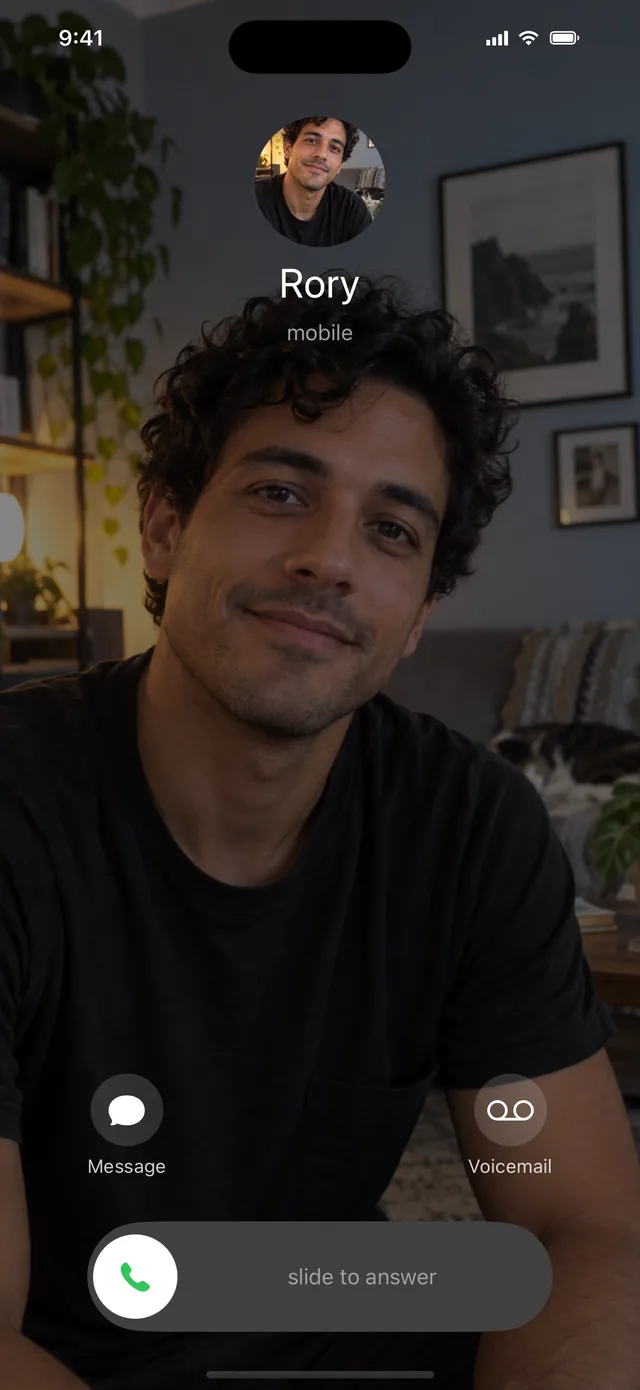
Made for the take, not the demo.
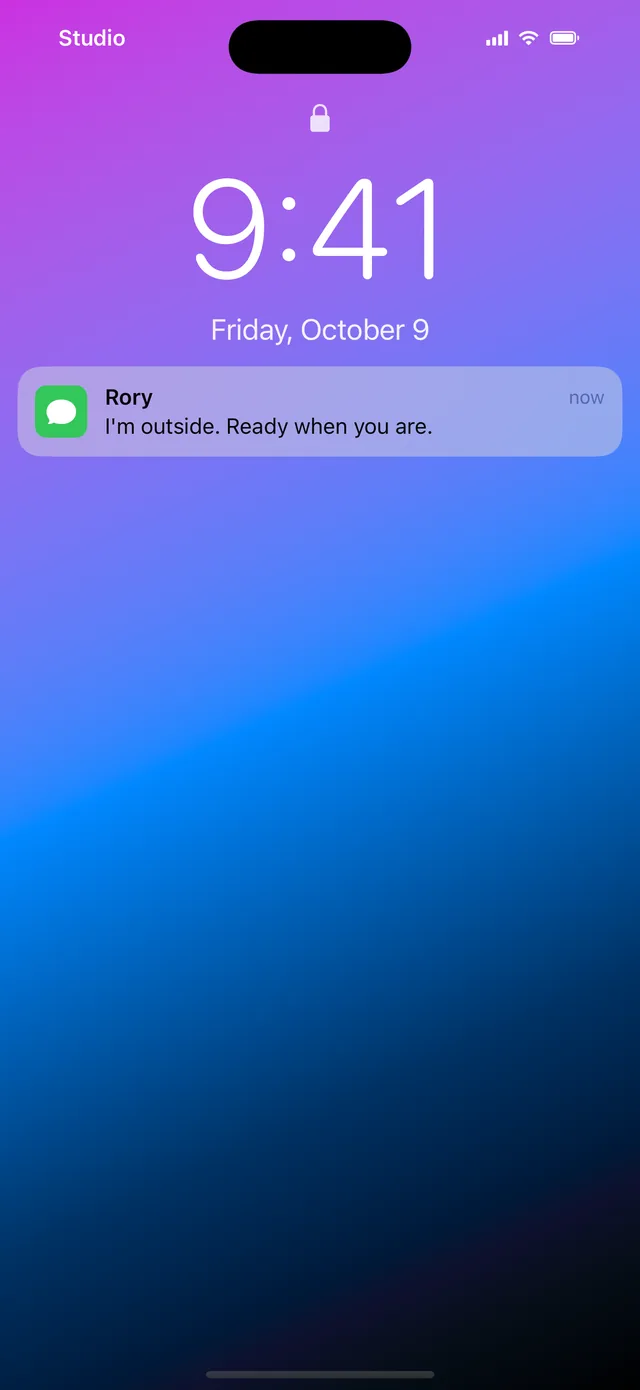
Looks real on camera
It matches iOS down to the clock and status bar, so nothing gives it away in a close-up.
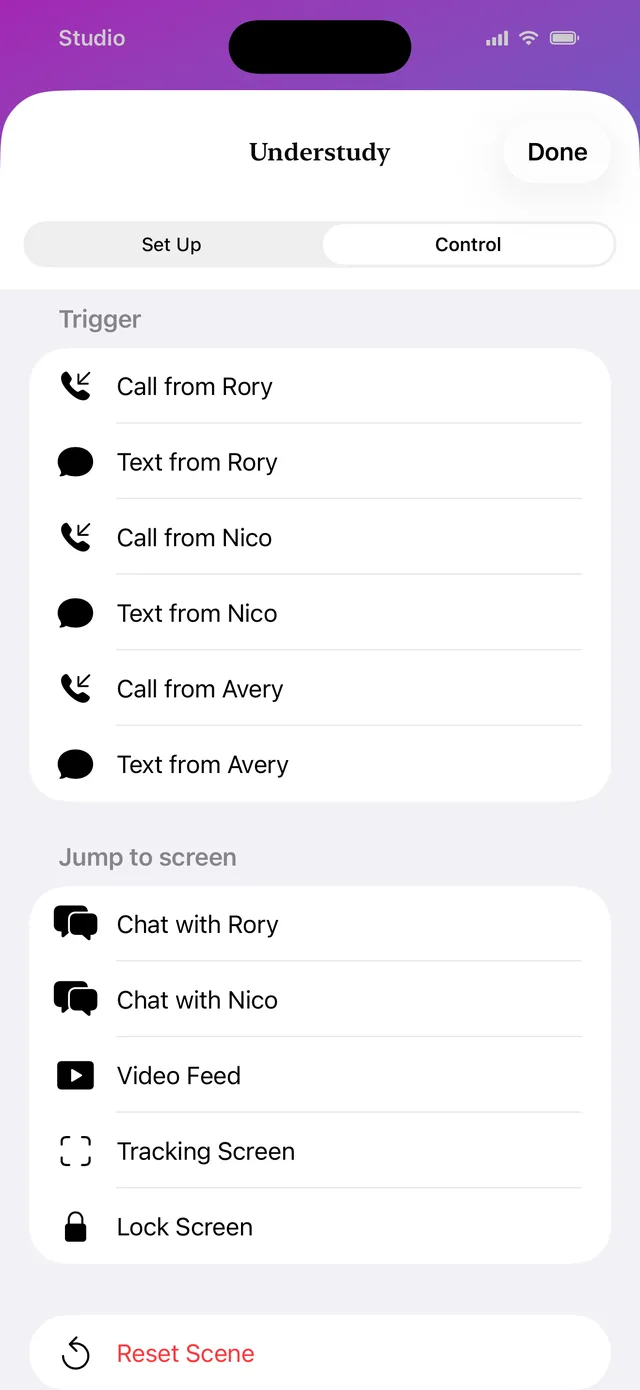
Rings when you need it
Trigger a call or a text in a couple of taps. It rings even with the silent switch on.
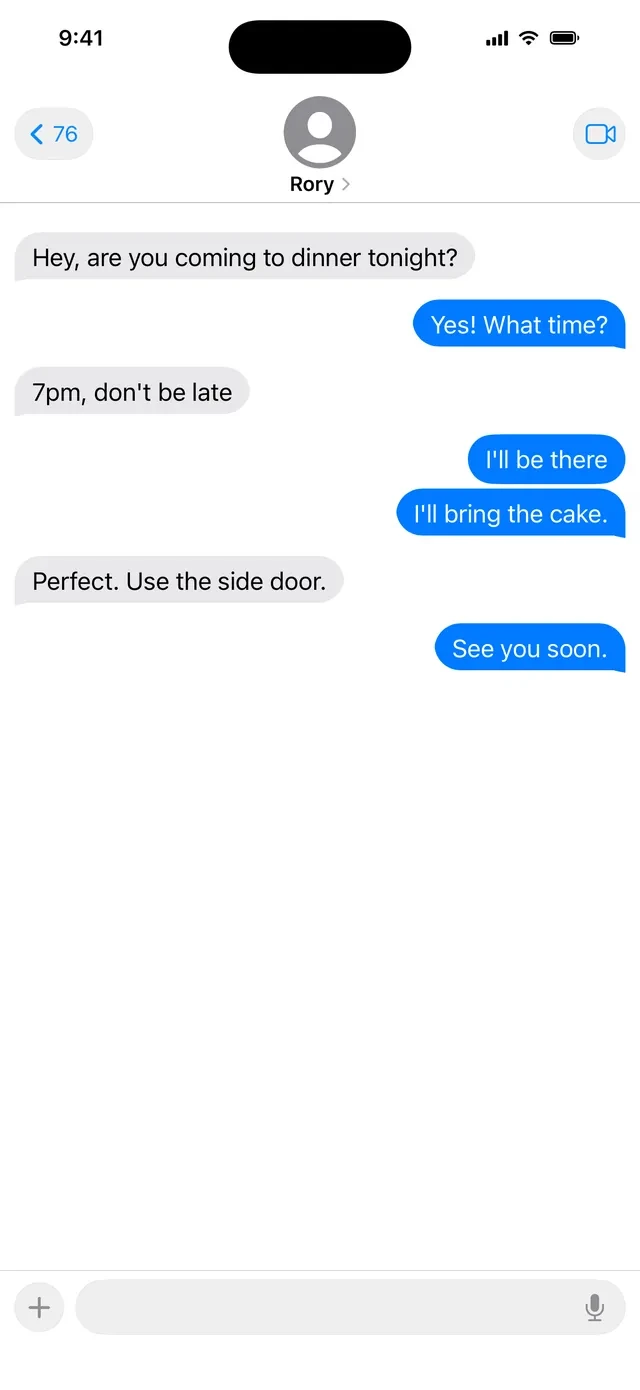
Your actor can use it
Type, send, scroll. Reset the scene between takes and every conversation goes back to the script.
Replacing the screen in post?
Switch to a tracking screen: a flat key color with markers, ready for your VFX artist to track.
Guides for filmmakers
Questions from set
- Does Understudy make real calls or send real texts?
- No. Every call and text happens only on the screen, so nobody gets dialed and no message is ever sent. It works in airplane mode and without a SIM card, so an old spare iPhone works fine.
- What can it fake?
- A lock screen, an incoming call, a call in progress, a text conversation, notification banners, a scrolling video feed, and a tracking screen for replacing the display in post.
- Will it ring with the silent switch on?
- Yes. The ringtone plays even in silent mode and keeps ringing until the actor answers or sends it to voicemail, so nobody has to flip a switch between takes.
- How do I trigger a call during a take?
- Tap the screen twice with two fingers to open the hidden controls. Pick a call or a text from any contact. The controls close and the phone rings a moment later, with nothing left on screen to give it away.
- Can the actor reply to texts?
- Yes. They can type and send like on a real phone. When you reset the scene, the phone goes back to the lock screen and every conversation returns to your script.
- Can I keep the clock the same between takes?
- Yes. Freeze the clock at any time you choose so it matches across every take. You can also set the carrier name, the wallpaper, and each contact's name and photo.
- Can I replace the screen in post instead?
- Yes. The tracking screen fills the display with green or blue and adds white or black markers in the pattern you pick, ready for your VFX artist to track.
- Is it free?
- Free to try, with a small “Made with Understudy” banner on the prop screens. Pay once to remove it. No subscription.
- Which phones does it work on?
- Any iPhone running iOS 17 or later. It runs in portrait, the way people hold a phone on camera.
- Can I control it from a second phone?
- No. You run everything from the prop phone itself, with the hidden two-finger controls.
- What happens to my photos and messages?
- They stay on the phone. Your contacts, scripts, photos, and videos are never uploaded. The app only sends anonymous usage statistics that aren't linked to you.
Give the phone its part.
Free to try with a small watermark. Pay once to shoot clean.
Get Understudy for iPhone